

388 字
2 分钟
BottomNavigationBar
前言
开发一个应用,界面的开始大部分情况下都是一个底部标签控制器。而在Flutter中就是 BottomNavigationBar 。
一、 创建 BottomNavigationBar
这里我想创建一个类似微信的底部标签,Widget内我会这样写:
@override Widget build(BuildContext context) { return Scaffold( bottomNavigationBar: BottomNavigationBar( items: const [ BottomNavigationBarItem( icon: Icon(Icons.chat), label: '微信', ), BottomNavigationBarItem( icon: Icon(Icons.contact_mail), label: '通讯录', ), BottomNavigationBarItem( icon: Icon(Icons.nature_people), label: '发现', ), BottomNavigationBarItem( icon: Icon(Icons.settings), label: '我', ), ], ), ); }显示问题
看看效果:
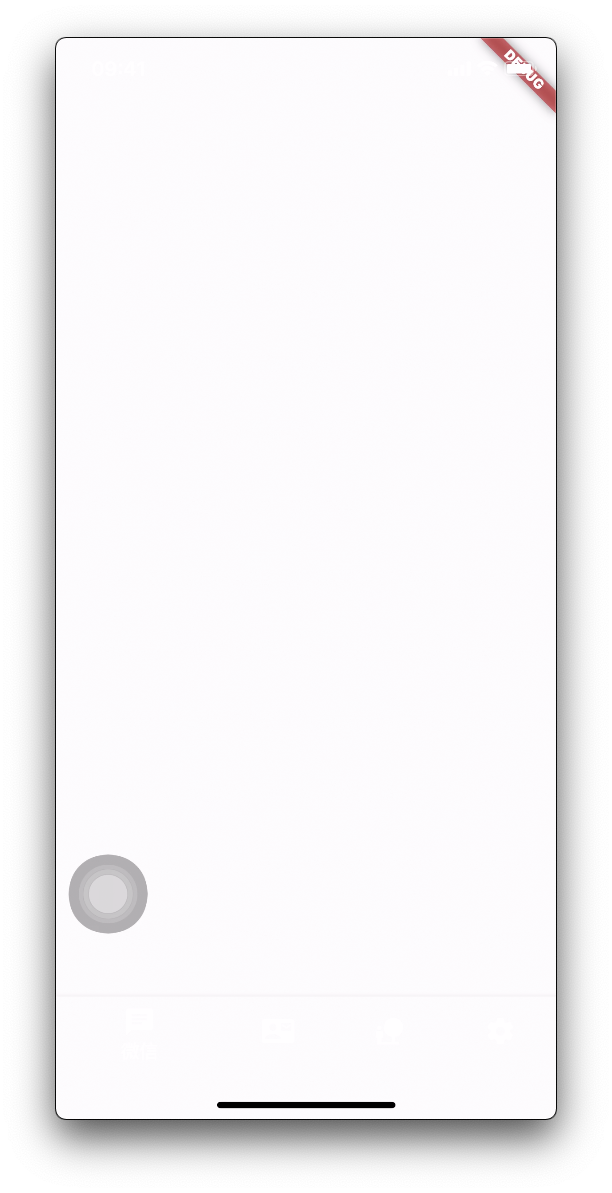
怎么什么都没有?仔细看下其实都是白色的,我们设置一下颜色看看:
@override Widget build(BuildContext context) { return Scaffold( bottomNavigationBar: BottomNavigationBar( selectedItemColor: Colors.green, unselectedItemColor: Colors.grey, ... ), ); }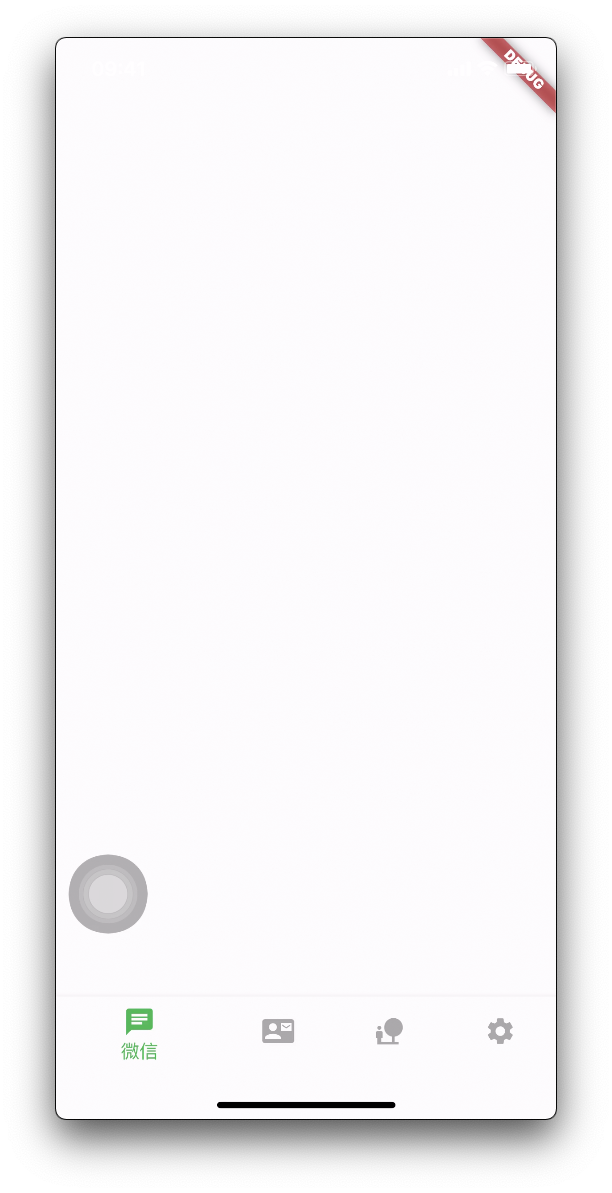
但是选中的标签的样式会比较突出,怎么改成我们熟悉的样式呢?
@override Widget build(BuildContext context) { return Scaffold( bottomNavigationBar: BottomNavigationBar( type: BottomNavigationBarType.fixed, selectedItemColor: Colors.green, unselectedItemColor: Colors.grey, ... ), ); }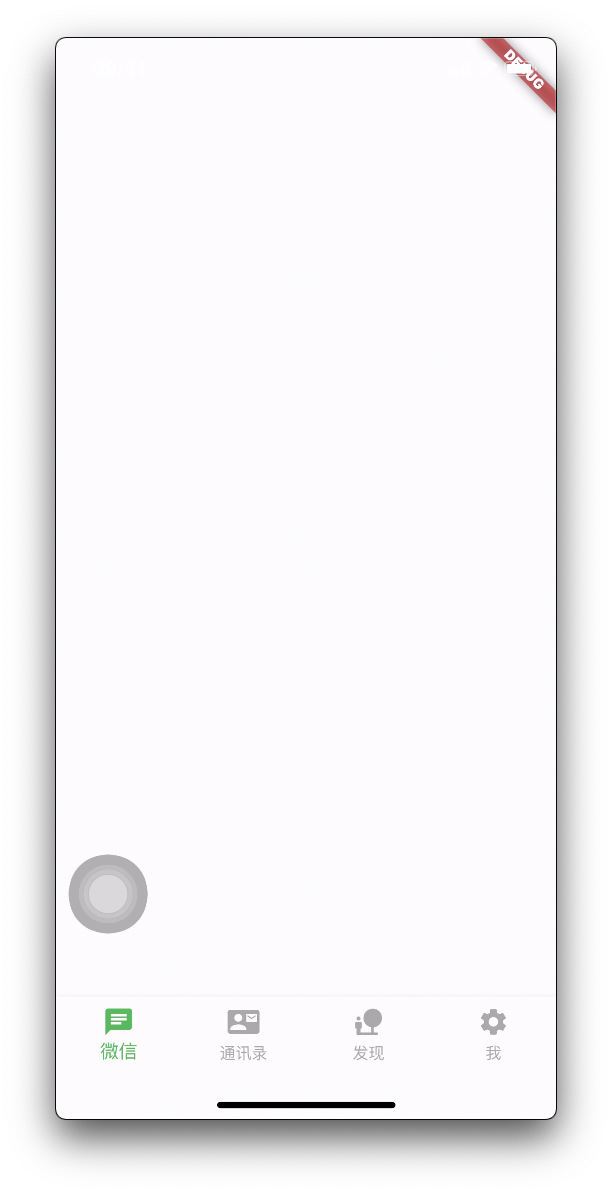
二、 选中标签
这里明显是需要 StatefulWidget 的。通过 BottomNavigationBar: onTap 修改选中的标签
class MyHomePage extends StatefulWidget { const MyHomePage({Key? key}) : super(key: key);
@override State<StatefulWidget> createState() { return _MyHomePageDataSource(); }}
class _MyHomePageDataSource extends State<MyHomePage> { int _selectedTab = 0;
@override Widget build(BuildContext context) { return Scaffold( bottomNavigationBar: BottomNavigationBar( ... currentIndex: _selectedTab, onTap: (idx) { setState(() { _selectedTab = idx; }); }, ... ), ); }}三、 页面切换
选中了标签我们也需要切换到对应的页面才行,而具体显示哪个页面是由 Scaffold 的 body 控制的。
class _MyHomePageDataSource extends State<MyHomePage> { int _selectedTab = 0; final List<Widget> _pages = [MessagePage(), ContactsPage(), MommentPage(), MinePage()];
@override Widget build(BuildContext context) { return Scaffold( body: _pages[_selectedTab],// 切换页面 bottomNavigationBar: BottomNavigationBar( ... currentIndex: _selectedTab, onTap: (idx) { setState(() { _selectedTab = idx; // 切换选中标签 }); }, ... ), ); }}原文视频文件暂缺。